Note: Due to AI API usage limitations, this project is not publicly hosted. If you’d like to access or try it out, feel free to reach out to me personally.
The Story Behind It
I’m from Bihar. On one of my visits home, I noticed a guy from my neighbourhood carrying his tuition question papers, hand-written, photocopied, the whole deal. I asked him, “doesn’t your teacher have a printer?” He said yes, they have a printer. But no laptop to type on, and no one to type it out either. Because, well, affordable education doesn’t always come with infrastructure.
That stuck with me.
So I thought, why not use AI to generate question papers? I tried Claude first (at the time, Claude was the only model capable of PDF generation, Gemini couldn’t do it yet). But it completely fell apart on maths. LaTeX rendering, equations, structured formatting, it was a mess.
So I decided to build my own.
What is QuePDF?
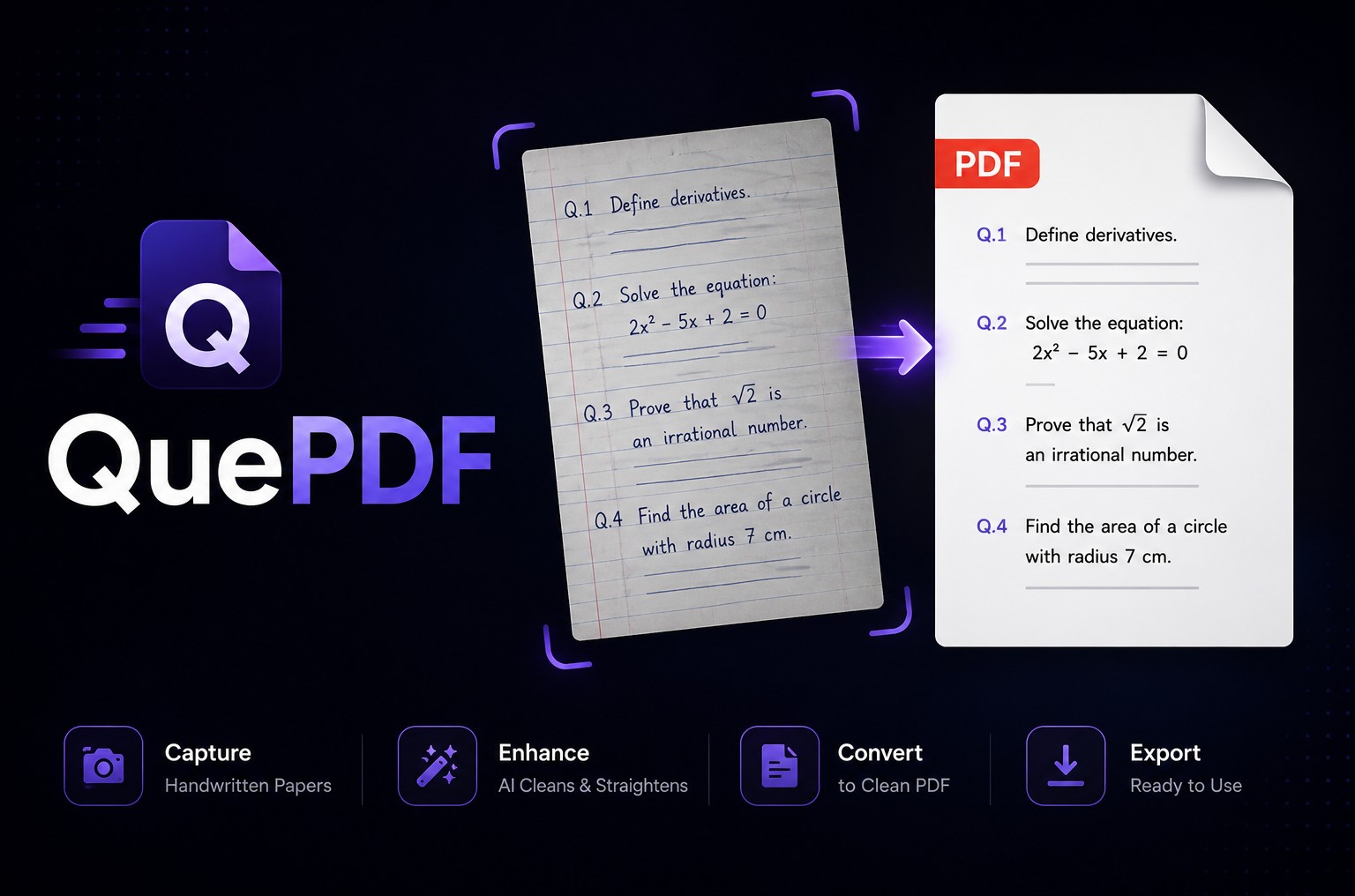
QuePDF is an AI-powered question paper generator. The name has “PDF” in it, but it’s much more than a PDF generator, it’s a full question paper creation pipeline, from AI generation to structured editing to final export.
It’s built for educators, tutors, and institutions who want to generate professional, well-structured question papers without needing to manually type everything out.
How It Works
AI Generation with Structured Output
I used the Google AI (Gemini) SDK with structured output to force the model to return a fixed, predictable JSON schema every single time. This was key, at the time I built this, Gemini had no native PDF generation, and even now, its free-form output gives you a different format every time, which you can’t reliably edit or render.
By enforcing a strict JSON structure, every question becomes a predictable object that the frontend can render, edit, and export consistently.
Question Types Supported
QuePDF isn’t just fill-in-the-blank. It supports a rich variety of question formats:
- Standard questions with sub-parts
- Case-based questions (read a scenario, answer questions based on it)
- “Or” type questions (attempt either Question A or Question B)
- “Attempt any X out of Y” style sections
- MCQs (Multiple Choice Questions)
- Match the Column
- Maths, rendered via Markdown with LaTeX support, so equations don’t break
- Tables
- Diagrams, handled in a unique way (explained below)
Markdown as the Question Body
Every question body and every answer option is treated as Markdown. This means:
- Maths equations render correctly using LaTeX syntax
- Tables render natively
- Formatting (bold, italic, lists) works out of the box
- No more broken maths or garbled symbols
Diagram Handling: The Smart Part
AI can’t embed real images, but it can describe them. So when a question requires a diagram, the AI outputs:
- What the diagram is (e.g., “Diagram of a plant cell”)
- What should be labelled (e.g., “Mitochondria labelled as X”)
- What size it needs to be (
small,mid, orlarge)
Once the AI output is generated and any diagrams are needed, the UI prompts the user to upload each one with a clear label, for example:
“Upload diagram of Cell with Mitochondria labelled as X”
The user uploads, a preview is shown inline, and they can adjust before downloading.
Edit Before Export
After the AI generates the paper, users get a full editable preview, rendered in Markdown. They can tweak any question, reword options, fix spacing, or add/replace images before downloading the final paper.
Tech Stack
| Layer | Technology |
|---|---|
| Frontend | React (Vite) |
| AI | Google Gemini AI SDK (Structured Output) |
| Backend / Functions | Cloudflare Functions |
Why Not Just Use Gemini’s PDF API Now?
Gemini now has PDF generation capabilities in its API. But:
- It still struggles with LaTeX and complex maths formatting
- The output format changes between runs, you can’t reliably edit it
- You can’t inject user-uploaded images or diagrams into its output
QuePDF solves all three of these by owning the rendering pipeline entirely.
Who Is This For?
- Tutors and teachers in under-resourced settings who need a fast, clean way to create papers
- Coaching centres and small schools without dedicated typesetting staff
- Anyone who needs structured, printable question papers with maths, diagrams, and varied formats, without fighting with Word or Google Docs