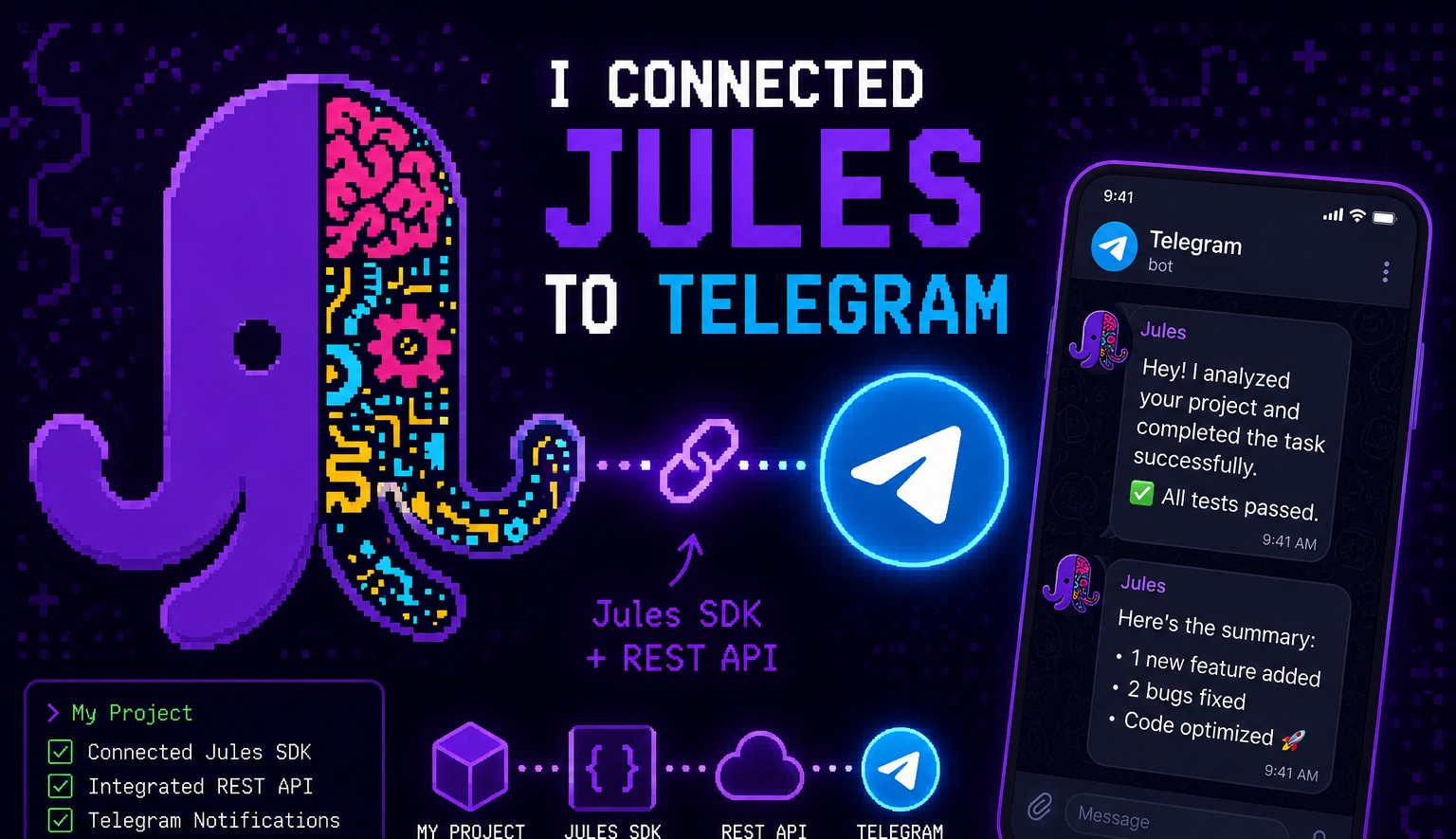
Private project, built for personal use.
The Problem with Jules
Jules is Google’s autonomous AI coding agent. It connects to your GitHub, writes code, opens pull requests, and handles tasks end-to-end. It’s impressive, but using it has a major practical problem:
- Tasks take a long time. Jules runs autonomously, which means you’re waiting, not doing.
- There are no notifications. You don’t know when Jules finishes, when it fails, when it gets stuck, or when it’s asking you a question.
- Keeping the tab open is expensive. Jules streams its progress live in the browser, which means leaving the tab open drains data, not ideal.
So you end up in this uncomfortable loop: check the tab, nothing yet. Check again, still running. Check again, it failed three steps ago and you had no idea.
I built this Telegram bot to fix that.
What It Does
The bot turns Jules into a notification-driven workflow via Telegram. It also replaces the Jules web interface for session management, you do everything through Telegram.
It requires a Telegram group with topics enabled to work. Once the bot is running and added to your group, here’s how it flows:
Session Management
Starting a Session
In the Jules topic (created automatically when the bot first starts), you initiate a new session. The bot walks you through:
- Select a repo, powered by the GitHub API (not the Jules SDK alone, because the Jules SDK was missing repos when you have a large number of them or many branches, the GitHub API search is more reliable)
- Select a branch
- Enter your task description
That’s it. Jules gets to work.
Session Topics
For every new Jules session, the bot automatically creates a new Telegram topic in your group. The topic name always ends with [XYZ], the last three characters of the session ID, so you can identify which session is which at a glance.
To change the repo or branch mid-way, run /change in the session topic.
Real-Time Status via Topic Names
The bot updates the topic name as the session progresses, using a colour-coded dot emoji as a visual indicator:
| Emoji | Meaning |
|---|---|
| 🔵 | Processing: Jules is actively working |
| 🟡 | Waiting: Jules has a question and needs your input |
| 🟢 | Complete: session finished successfully |
| ⚫ | Archived: Jules closed the session |
| 🔴 | Failed: something went wrong |
No need to open Jules. One glance at your Telegram group tells you the status of every active session.
Why Telegram
Telegram’s Topics feature (in supergroups) is a near-perfect fit for this use case:
- One group, one bot, multiple concurrent Jules sessions, each in its own topic
- Topic names are dynamic, so status updates are visible without opening the thread
- Telegram notifications are reliable and low-bandwidth
Tech Stack
| Layer | Technology |
|---|---|
| Runtime | Node.js |
| AI Agent | Jules SDK (Google) |
| Repo Search | GitHub API |
| Interface | Telegram Bot API |
Status
This is a private project, built entirely for personal productivity. It’s not open source and not publicly available, but it solves a real gap in the Jules experience that anyone who’s used it for longer tasks will immediately recognise.