The Problem
Claude Artifacts and Gemini Canvas are genuinely useful, they give you live React previews right inside the chat. But they have real limitations:
- Not every AI tool has an artifact viewer. If you’re using LMArena, a raw API playground, or any other tool that just gives you text output, you get JSX/TSX code with nowhere to run it.
- Deploying an Artifact isn’t straightforward. You get a working React component, but turning that into a deployable project takes several manual steps.
- Canvas output quality varies. Even Gemini’s own Canvas sometimes produces inconsistent React code.
Zaploy solves all of this in one place.
What is Zaploy?
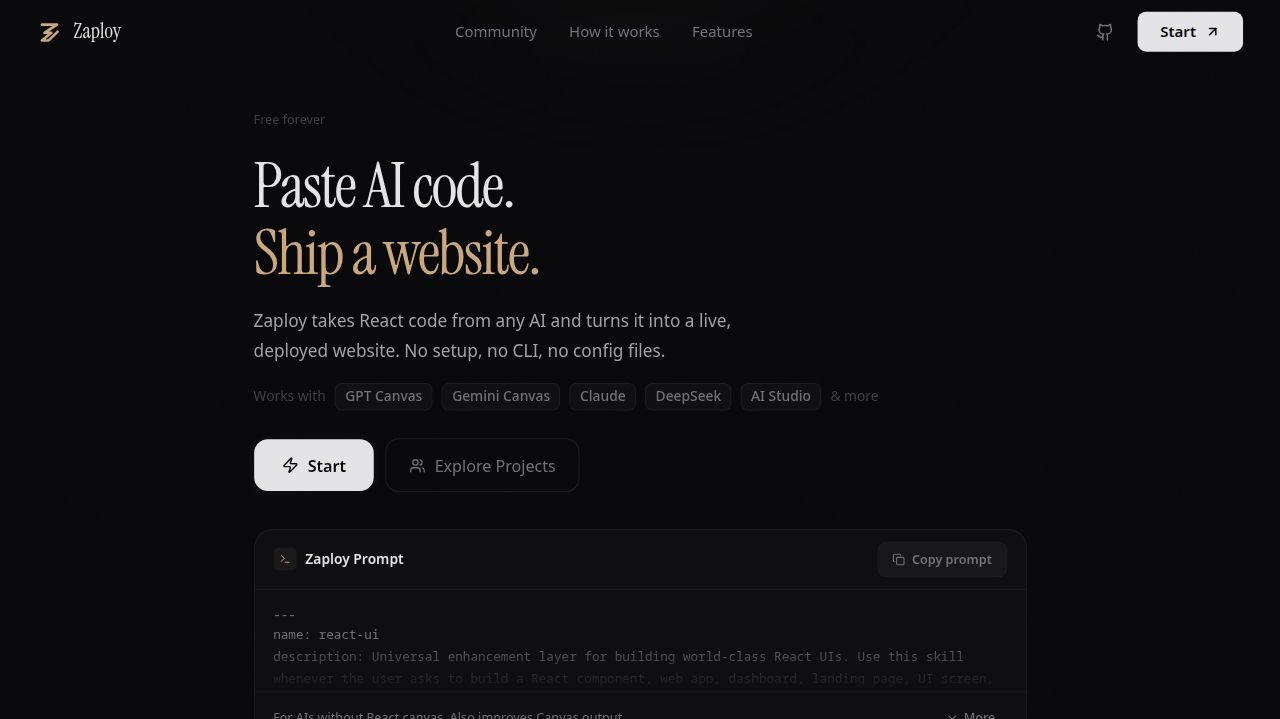
Zaploy is a canvas-style editor and deployment platform for AI-generated React code. You paste in AI output, from Claude Artifacts, Gemini Canvas, or a raw prompt, and Zaploy handles preview, editing, sharing, and deploying.
It also ships with a system prompt you can use with any AI model to get clean, Zaploy-compatible React output. In testing, this prompt improved Gemini’s React output quality, sometimes better than Gemini Canvas itself.
How It Works
1. Paste Your Code
Paste any React/JSX/TSX output directly into the Zaploy editor. It doesn’t matter where it came from, an Artifact, Canvas, a raw ChatGPT reply, or your own prompt with any model.
2. Live Preview
Zaploy renders your component as HTML in the browser using ESM.sh and unpkg for module resolution, no bundler setup, no local install, instant preview.
3. Share a Preview URL
Generate a shareable link for your preview. Your code is stored in Cloudflare D1 (only when you choose to share, until then, everything stays in your local IndexedDB, nothing leaves your browser).
Shared previews also support forking, anyone with the link can open your code, fork it, and build on top of it. Projects can also be made public to a community feed.
4. Download as a Full React Project
Before downloading, Zaploy asks for metadata:
- Project name & description
- Page title
- Favicon
Then it packages your component into a fully set-up React (Vite) project and gives you a .zip, ready to open, run, and build on.
5. Push to GitHub
Zaploy can automatically scaffold your code as a proper React (Vite) project and push it directly to a new or existing GitHub repository, no manual setup.
6. Deploy
From Zaploy, you can deploy directly to:
| Platform | Method |
|---|---|
| Vercel | Enter your Vercel token: deploys directly |
| Netlify | OAuth: connect and deploy |
| Cloudflare Pages | Manual (requires pushing to GitHub first) |
Privacy & Data Model
Zaploy is intentionally local-first:
- Before sharing: All your code lives in your browser’s IndexedDB. Nothing is sent to any server.
- After sharing: Only the code you explicitly share gets stored in Cloudflare D1.
No account required to use the editor, preview, or download.
The System Prompt
Zaploy ships with a tested system prompt you can copy and use with any AI model, ChatGPT, Gemini, Claude, whatever. It guides the model to produce React output that:
- Is self-contained (no missing imports)
- Uses compatible libraries available via ESM.sh/unpkg
- Renders cleanly in Zaploy’s preview environment
Tech Stack
| Layer | Technology |
|---|---|
| Frontend | React |
| Backend / Functions | Cloudflare Functions |
| Database | Cloudflare D1 |
| Module Resolution (Preview) | ESM.sh + unpkg |
| Local Storage | IndexedDB |